




Use cases & resources

Whatever you collect money for, there's a Payable way to do it.

Schools, teams, clubs, event organizers, nonprofits and small businesses use Payable to take payments in the Google Forms and Google Sheets they already use.

In-depth guides

Step-by-step guides for popular uses.

More ways to use Payable Forms

Recurring payments and invoices on the go.

Subscriptions & instalments

Set up recurring billing right in your form.

Add a frequency after any price and Payable sets up the recurring payment for you — daily, weekly, every two weeks, monthly, quarterly or yearly. Add a limit to split a big purchase into instalments that stop on their own.

  • Memberships, classes, meal and produce boxes, donation pledges
  • Instalment plans for camps, trips and big-ticket items
  • Mix one-time and recurring items in the same order
  • Available with Stripe, Square and PayPal only*

*PayPal subscriptions need a PayPal Business account.

Choose your plan Just type the frequency after the price.
  • Unlimited drop-in classes – $95 / Biweekly
  • Weekly produce basket – $35 / Week
  • Annual club membership – $110 / Year
  • Summer camp in 3 payments – $295 / Month X 3
Instalment plan $295 today, then monthly — stops after 3 payments.

Invoice on the go

Fill out your own form to bill a customer.

Out on a job or away from your desk? Open your own Payable Google Form on your phone, enter your customer's email, pick the services or products, and submit. Payable emails your customer a secure payment link for exactly that order.

  • Custom quotes, service calls, deposits and one-off orders
  • No invoicing software to learn — it's just your Google Form
  • Every invoice and payment lands in your Google Sheet
New service invoice Customer email [email protected] Services Furnace tune-up – $129 Filter replacement – $35 Duct cleaning – $249 Submit

Have a client list?

Use Payable Sheets to bill everyone at once.

If you already have a spreadsheet of people who owe you, Payable Sheets adds a PayPal payment link to every row and tracks who has paid.

Learn about Payable Sheets →

Membership dues

Bill every member on your list for annual or seasonal dues and see who has paid.

Team & league fees

Send each family their fees, then send reminders to anyone who has not paid yet.

Tuition & lessons

Invoice students for lessons, classes or courses straight from your roster.

Client invoices

Turn a sheet of jobs or hours into PayPal payment requests for your clients.

Video tutorials

Watch how it's done.

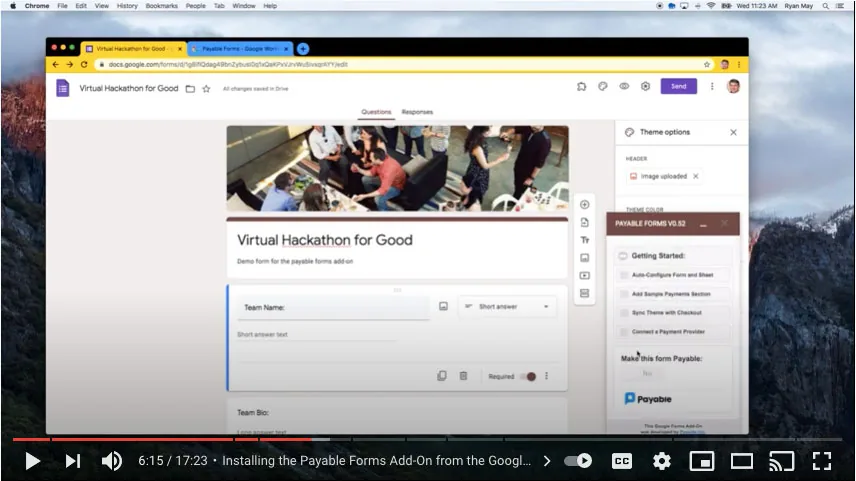
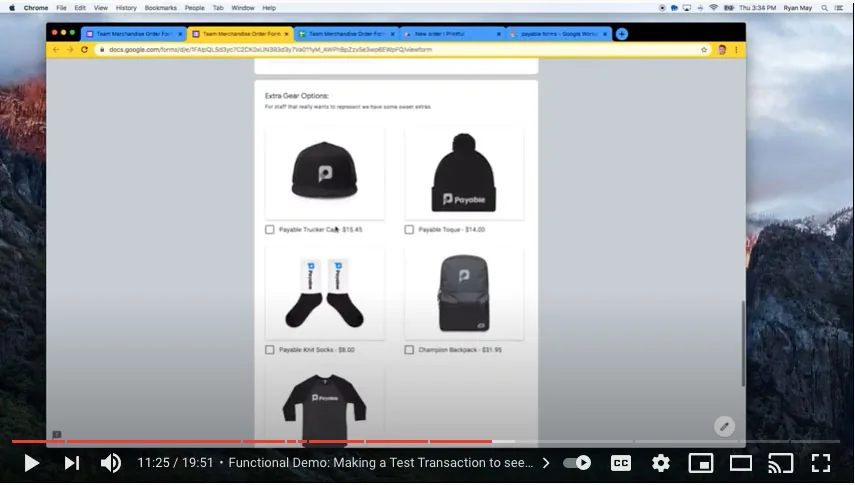
Short walkthroughs for some of the most popular ways people use Payable Forms. Find more on our YouTube channel.

By industry

Ready-made Google Form templates for every kind of payment.

Start from a template, make it your own, and connect PayPal, Stripe, Square, Razorpay or Rapyd.

Ready to get paid?

Sign in with any Google account to get started — it's free.