Google Sheets Invoicing Add-On
Send payment requests from Google Sheets in a snap.
Payable Sheets turns your spreadsheet into an invoicing tool. Send PayPal payment links to everyone on your list, send reminders, and see who has paid right in your sheet.

Works with
- More providers coming soon
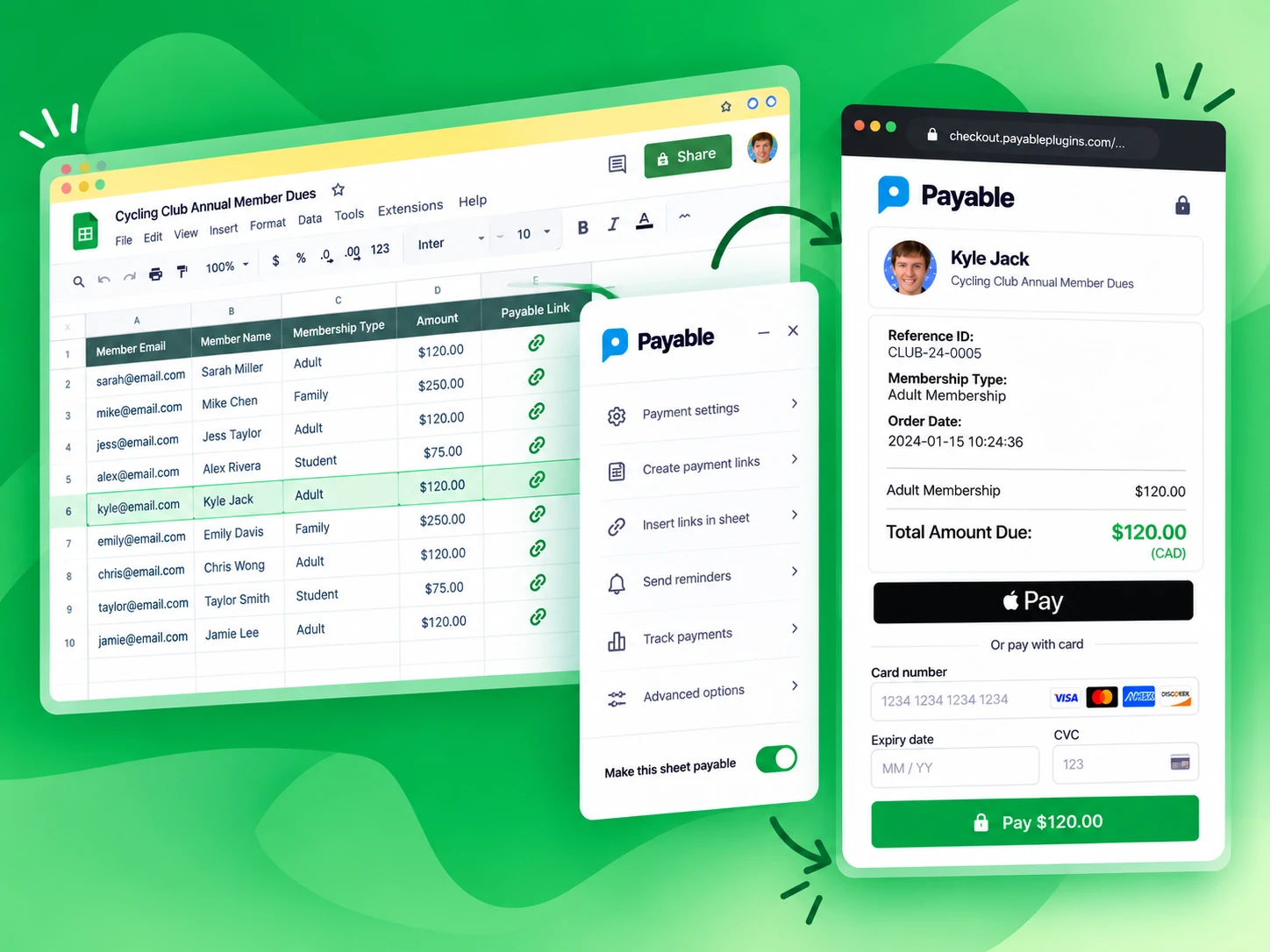
Get paid without chasing.
Stop collecting envelopes of cash and wrinkled paper checks. Send everyone on your list a secure PayPal payment link, and let them pay with PayPal or a credit or debit card.
No more manual accounting.
We update the payment status of every row in your Google Sheet automatically, so you always know who has paid and who still needs a reminder.
Getting set up is easy
Make your Google Sheet payable in about 5 minutes.
If you can use a spreadsheet, you can send payment requests with Payable. There is nothing new to learn.
- Install the Payable Sheets add-on Add it to your Google account from the Google Workspace Marketplace.
- Add your customers and amounts One row per person — the spreadsheet you already have works great.
- Connect your PayPal account Link PayPal in a few clicks so payments go straight to you.
- Try it in Test Mode Create a payment link and walk through checkout without moving real money.
- Send and get paid Switch Test Mode off, send your payment requests and watch the sheet update.
Features
Everything you need to collect from a list.
PayPal and cards
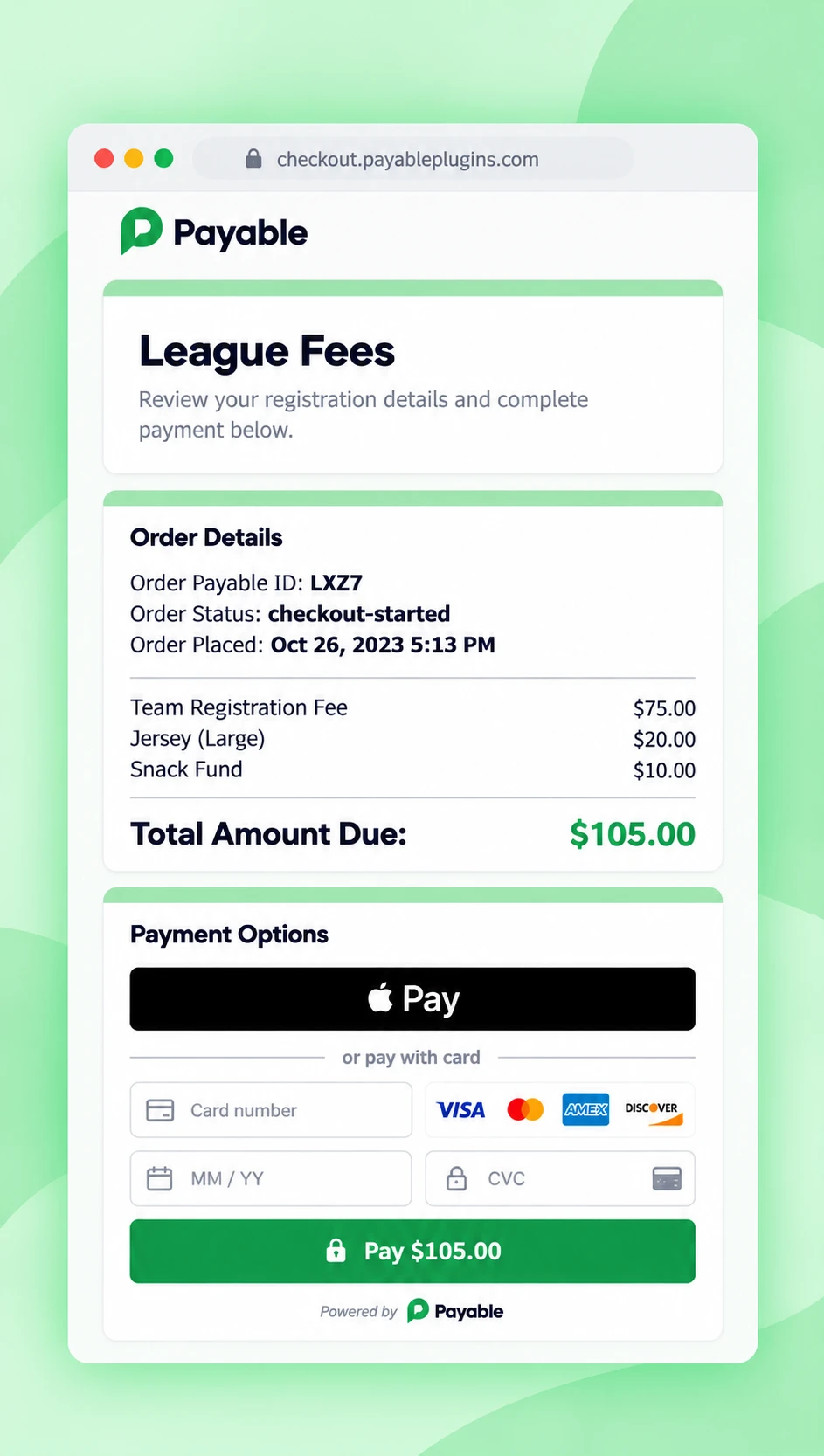
A hosted, secure PayPal checkout — customers can pay with PayPal or a card.
Payment links for every row
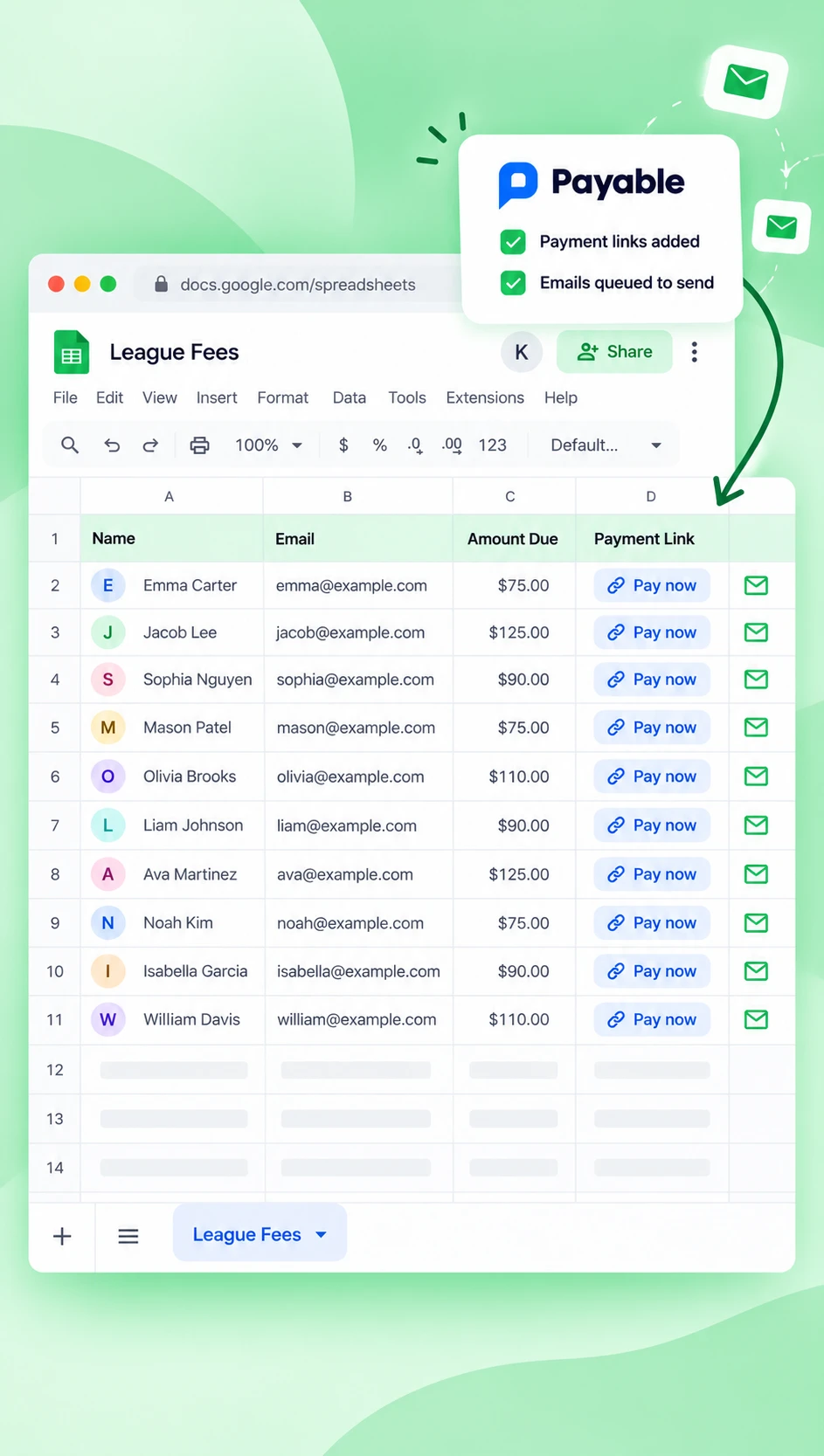
Create a unique payment link for each person and insert it right into your sheet.
Checkout settings
Charge taxes, collect shipping details or add a handling fee — no problem.
Reminders and notifications
Turn on payment reminders to automatically email anyone who hasn't paid after 24 hours.
Real-time updates
Payment status is pushed straight back to your Google Sheet as it happens.
Here to help
If you run into any trouble, chat with us and we will get you sorted.
The checkout experience
Simple for your customers, from sheet to paid.
-
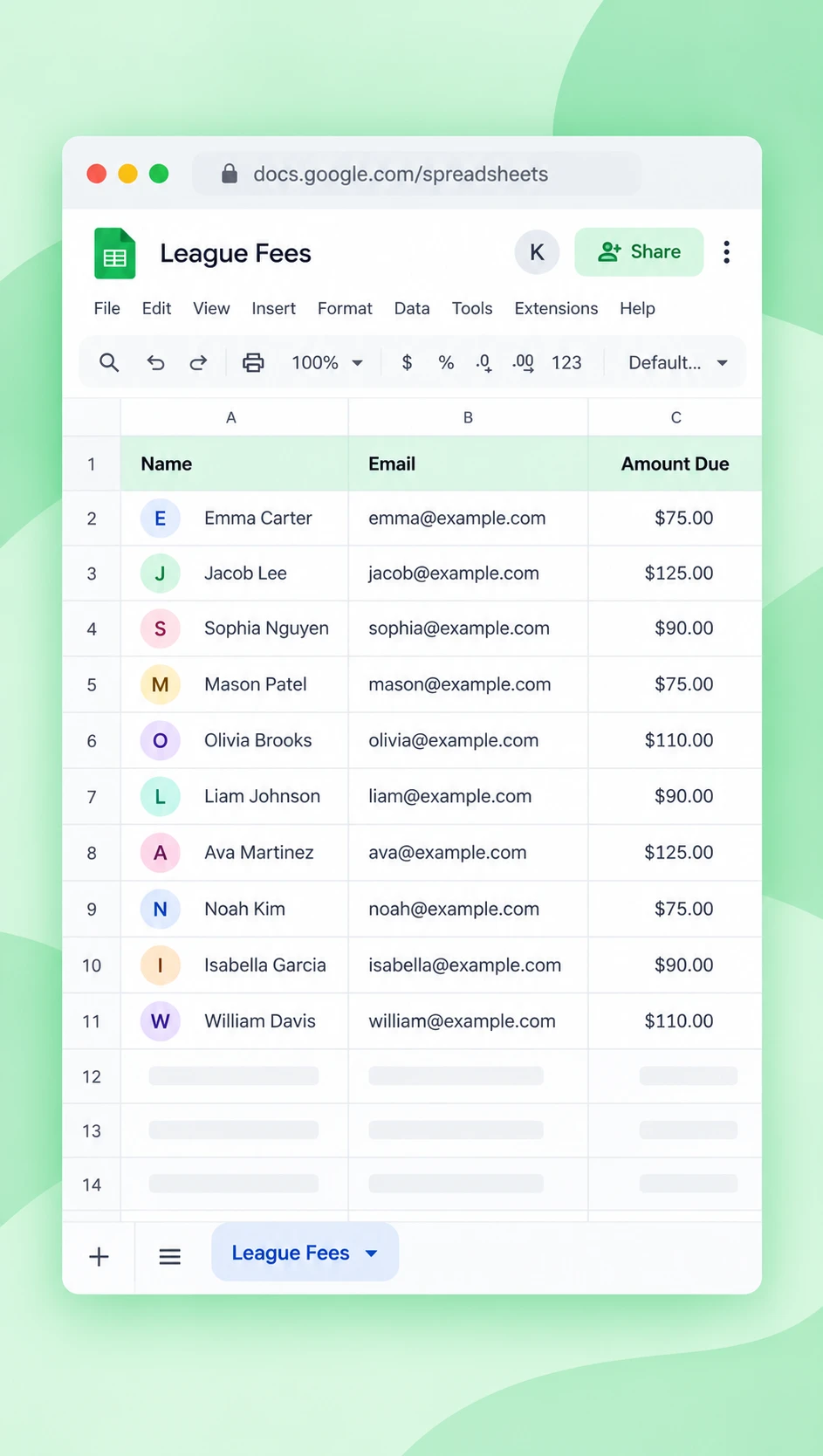
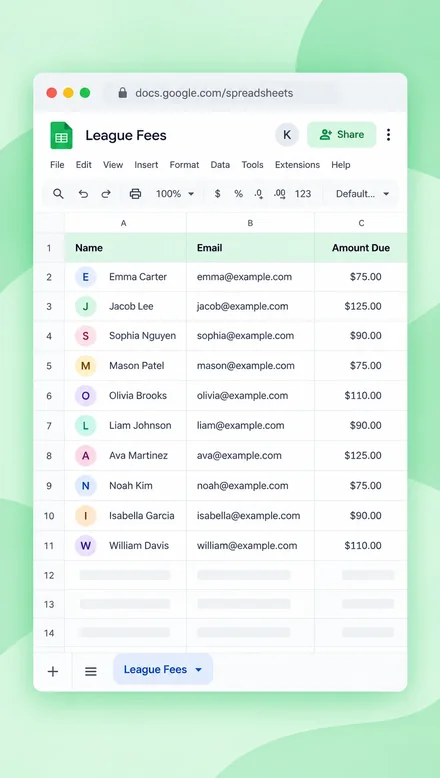 1Your customers and amounts are in a sheet
-
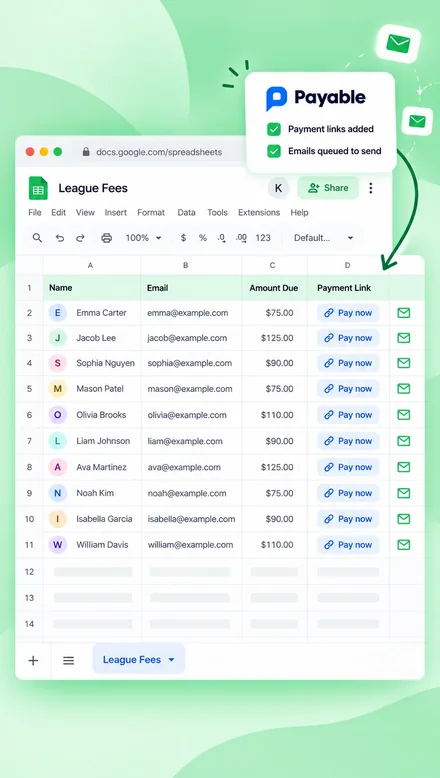 2Payable adds a payment link to each row and emails it
-
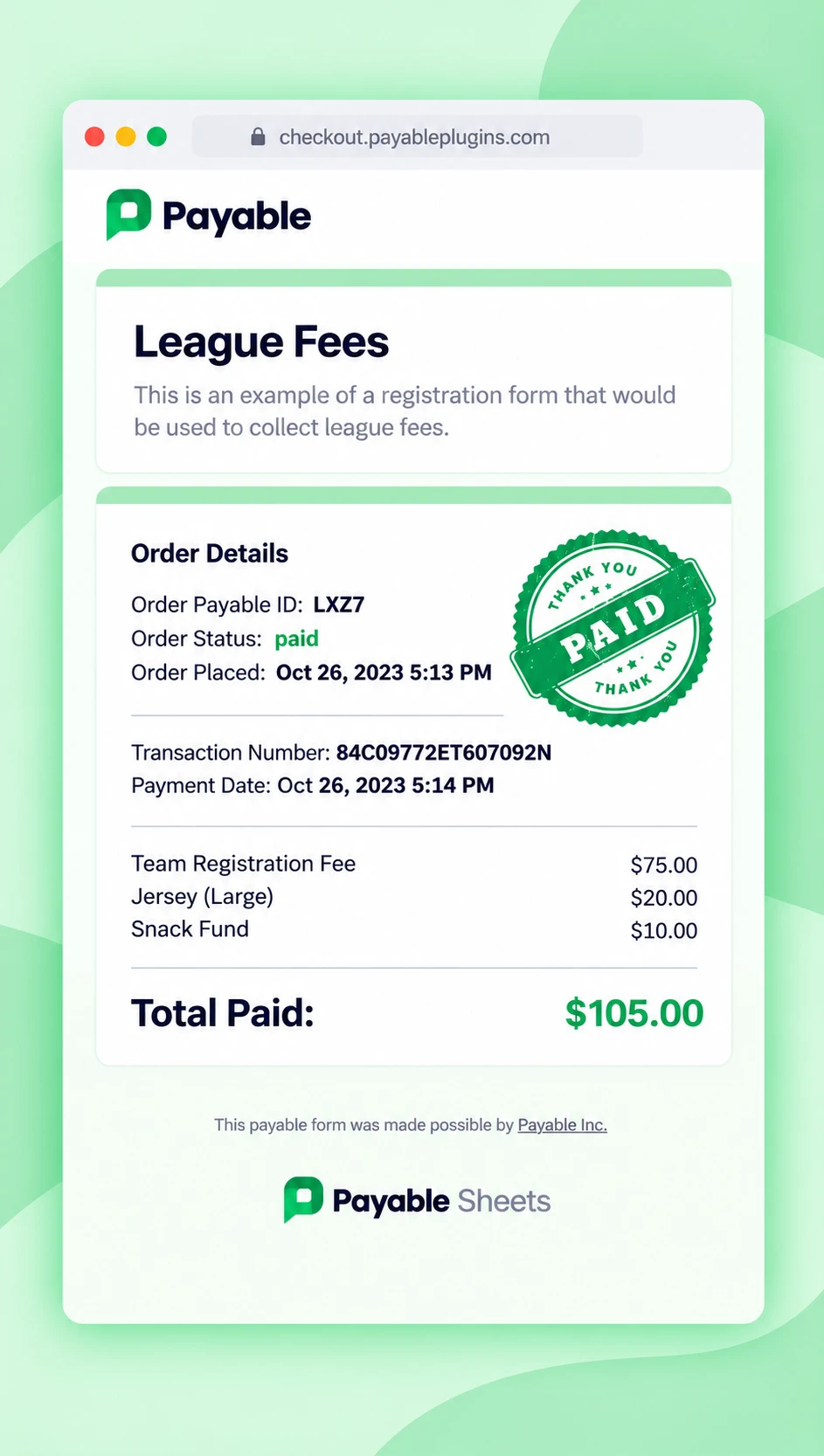
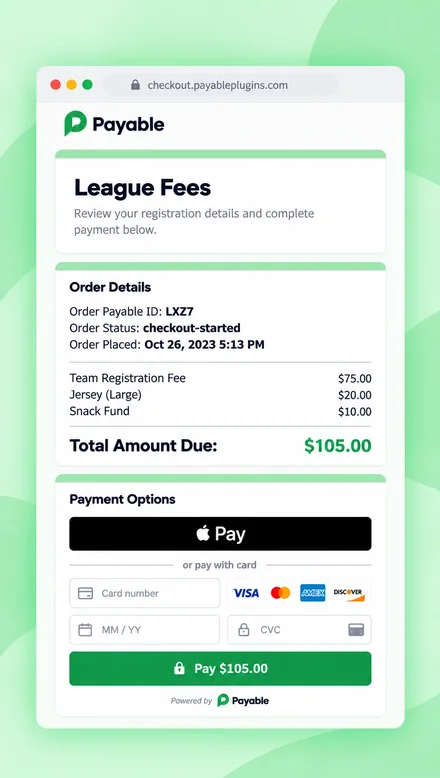 3They pay on a secure checkout
-
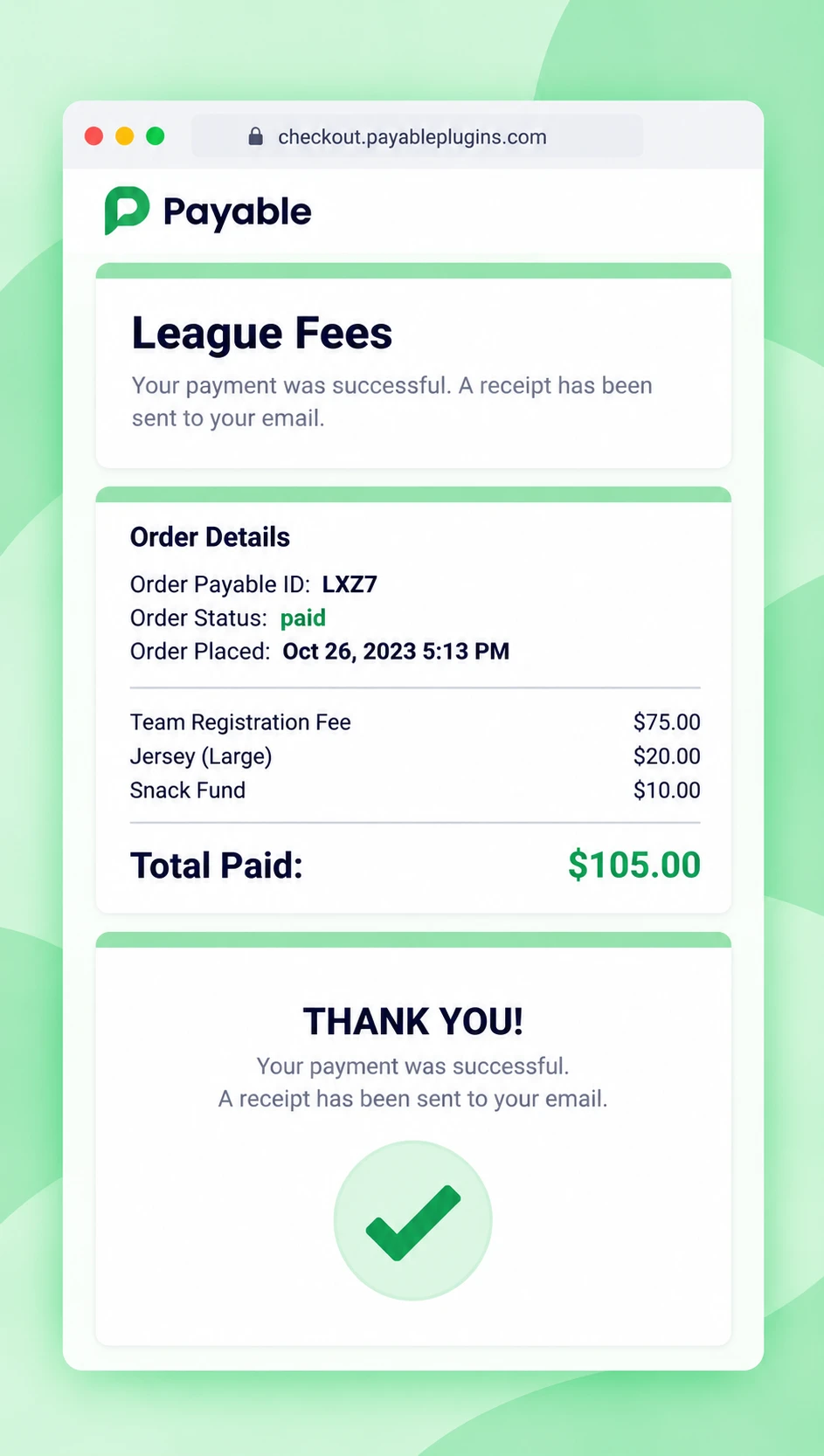
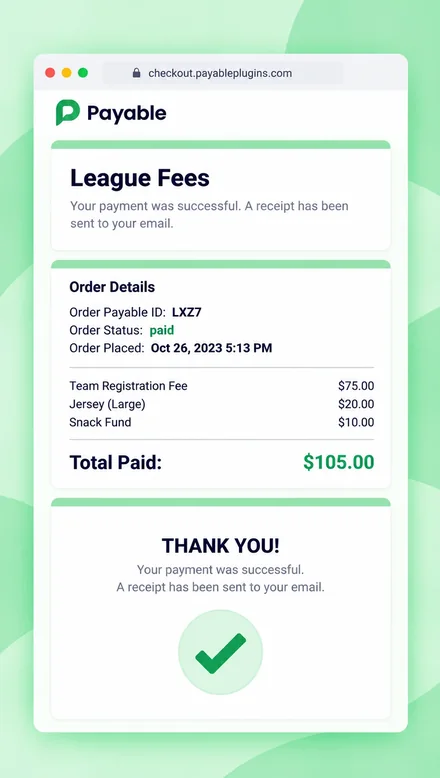 4A thank-you message is shown
-
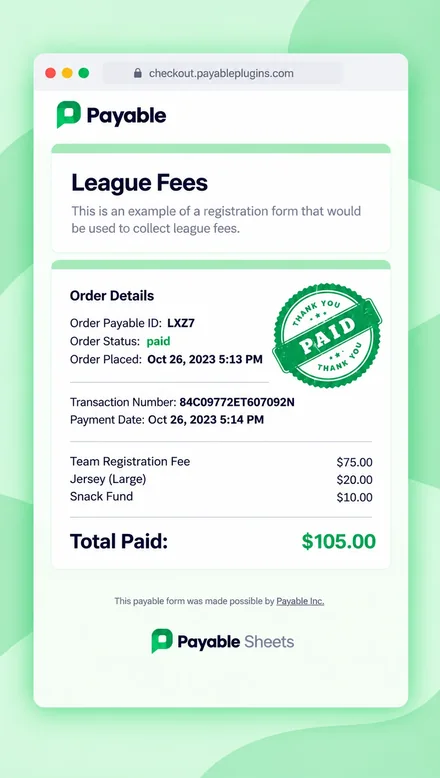 5They get a receipt and we update your Google Sheet
FAQ
Questions about Payable Sheets
Which payment providers work with Payable Sheets?
Payable Sheets works with PayPal today. Your customers can pay with their PayPal account or with a credit or debit card through PayPal checkout. Need another provider? Payable Forms also supports Stripe, Square, Razorpay and Rapyd.
What can I use it for?
Anything where you already have a list of people who owe you money — membership dues, team fees, tuition, invoices for clients, group trips and more.
Do I need a website or any coding?
No. Payable works right inside Google Sheets. We host the secure checkout for you.
Can I test before sending real payment requests?
Yes. Use Test Mode to create payment links and walk through checkout without real money. When you are happy, switch Test Mode off and send them out.
How do I know who has paid?
Payable updates the payment status on each row of your Google Sheet automatically, and you can turn on payment reminders that email anyone who hasn't paid after 24 hours.
Is there a subscription or contract?
No. There is no subscription or commitment — use Payable as much or as little as you like. See our pricing page for details.
More questions? Visit our help centre or chat with us.
Get the Payable Sheets add-on.
No subscription and no code. Set up in about 5 minutes.