
Clubs & memberships
Choir Registration Form
A free Google Form template you can copy, customize and use to collect payments with the Payable Forms add-on.

Template overview
About this template
Forego the paperwork and digitize the choir registration process for your church, bible school, extracurricular program, or community center with the Choir Registration Form Template. This sample application form gathers all the general information most choir directors and organizers need including full name, birth date, parent’s name, emergency contact, phone number, pertinent medical information, singing experience (e.g. church choir, school choir, etc.), whether or not the form is being filled out by a potential new member or a returning member, and more. If your choir has registration fees, this request form can also be set up to collect payments via PayPal, Stripe, or Square. Make sure you are using your Choir's account on Google to set this form up prior to starting.
- Fully customizable — add or remove questions, and change the content, colours and images
- Add prices to the answers and Payable calculates each total automatically
- Every response and payment is tracked in a linked Google Sheet
Use this template in 4 steps
- Copy the templateSave your own copy to Google Drive.
- Make it yoursEdit the questions, prices and look.
- Install Payable FormsThen connect your payment provider.
- Share and get paidSend your form link to collect payments.





More clubs & memberships templates
Similar templates


Show me how
Make your Google Form payable
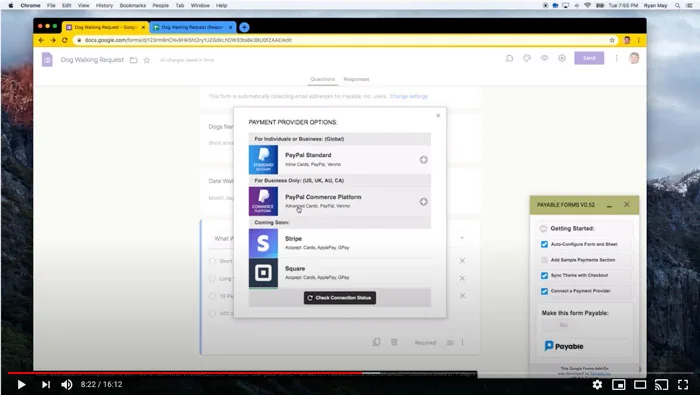
Watch how to take a Google Form like this one and start collecting payments with Payable Forms — from installing the add-on to tracking payments in Google Sheets.
Make this template payable.
No subscription and no code. Set up in about 5 minutes.
