
Google Forms Add-On
Let your Google Forms accept payment like magic.
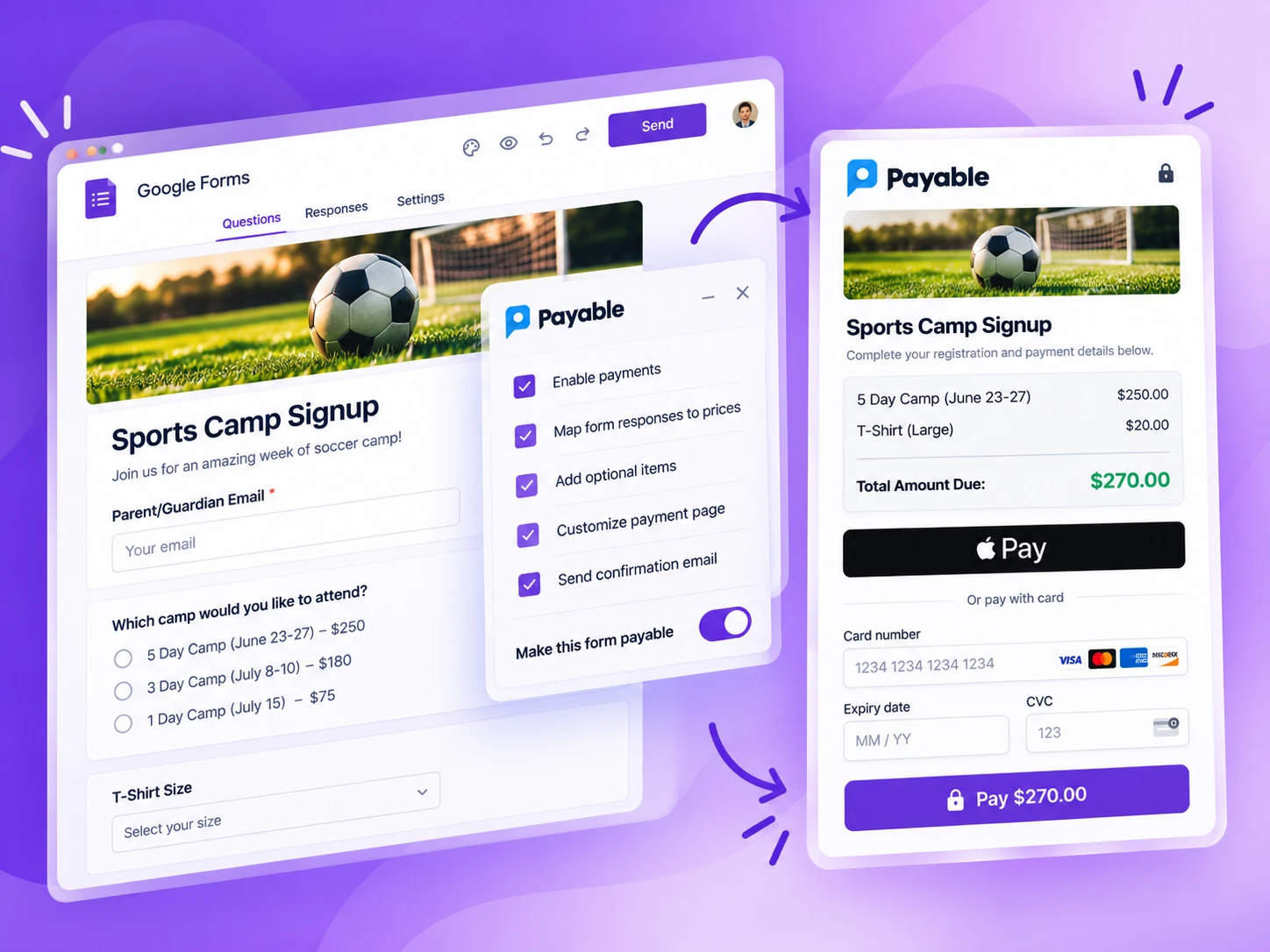
Payable Forms calculates the amount due from the answers selected, collects payment on a secure checkout, and updates your Google Sheet so you know who has paid.

Works with


Automatically collect electronic payments.
Stop collecting envelopes of cash and wrinkled paper checks. Let people pay right away as part of filling out your form — with credit and debit cards, PayPal, Venmo, Apple Pay, Google Pay and more.
No more manual accounting.
We automatically update the payment status of every submission in your linked Google Sheet, so you always know who has paid. Spend more time doing what you love while we keep it organized.
Getting set up is easy
Make your Google Form payable in about 5 minutes.
If you can make a Google Form, you can make it Payable. There is nothing new to learn.
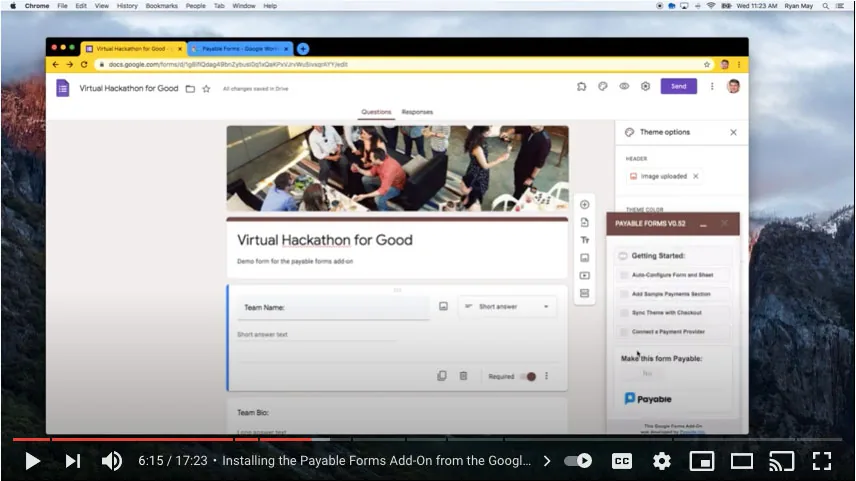
- Install the Payable Forms add-on Add it to your Google account from the Google Workspace Marketplace.
- Add $ amounts to your answers Put prices right in your multiple-choice, checkbox or dropdown options.
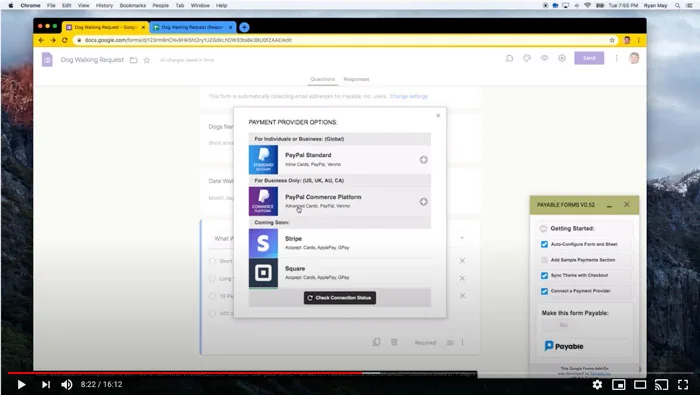
- Connect a payment provider Link PayPal, Stripe, Square, Razorpay or Rapyd in a few clicks.
- Try it in Test Mode Submit your form and walk through checkout without moving real money.
- Share and get paid Switch Test Mode off and send your form link like you normally would.
Features
Everything you need to get paid.
Accept cards
A hosted, secure checkout for your customers — we did all the work.
Auto themes
We sync the look and feel of your Google Form so checkout feels seamless.
Checkout settings
Charge taxes, collect shipping details or add a handling fee — no problem.
Form notifications
You and your customer both get an email for every new order, and you can turn on reminder emails for anyone who hasn't paid after 24 hours.
Real-time updates
Payment updates are pushed straight to your linked Google Sheet.
Here to help
If you run into any trouble, chat with us and we will get you sorted.
More ways to use Payable Forms
Recurring payments and invoices on the go.
Subscriptions & instalments
Set up recurring billing right in your form.
Add a frequency after any price and Payable sets up the recurring payment for you — daily, weekly, every two weeks, monthly, quarterly or yearly. Add a limit to split a big purchase into instalments that stop on their own.
- Memberships, classes, meal and produce boxes, donation pledges
- Instalment plans for camps, trips and big-ticket items
- Mix one-time and recurring items in the same order
- Available with Stripe, Square and PayPal only*
*PayPal subscriptions need a PayPal Business account.
Invoice on the go
Fill out your own form to bill a customer.
Out on a job or away from your desk? Open your own Payable Google Form on your phone, enter your customer's email, pick the services or products, and submit. Payable emails your customer a secure payment link for exactly that order.
- Custom quotes, service calls, deposits and one-off orders
- No invoicing software to learn — it's just your Google Form
- Every invoice and payment lands in your Google Sheet
Show me how
Watch how others use Payable Forms.
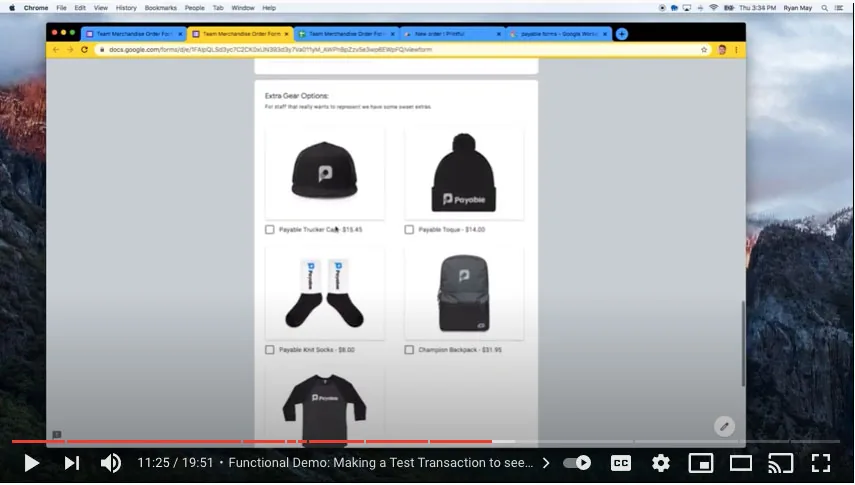
Whether you are a candlemaker, coach, yoga instructor or author, you can build event registrations, membership sign-ups, order forms, deposits, fundraisers and much more.
The checkout experience
Simple for your customers, from form to receipt.
-
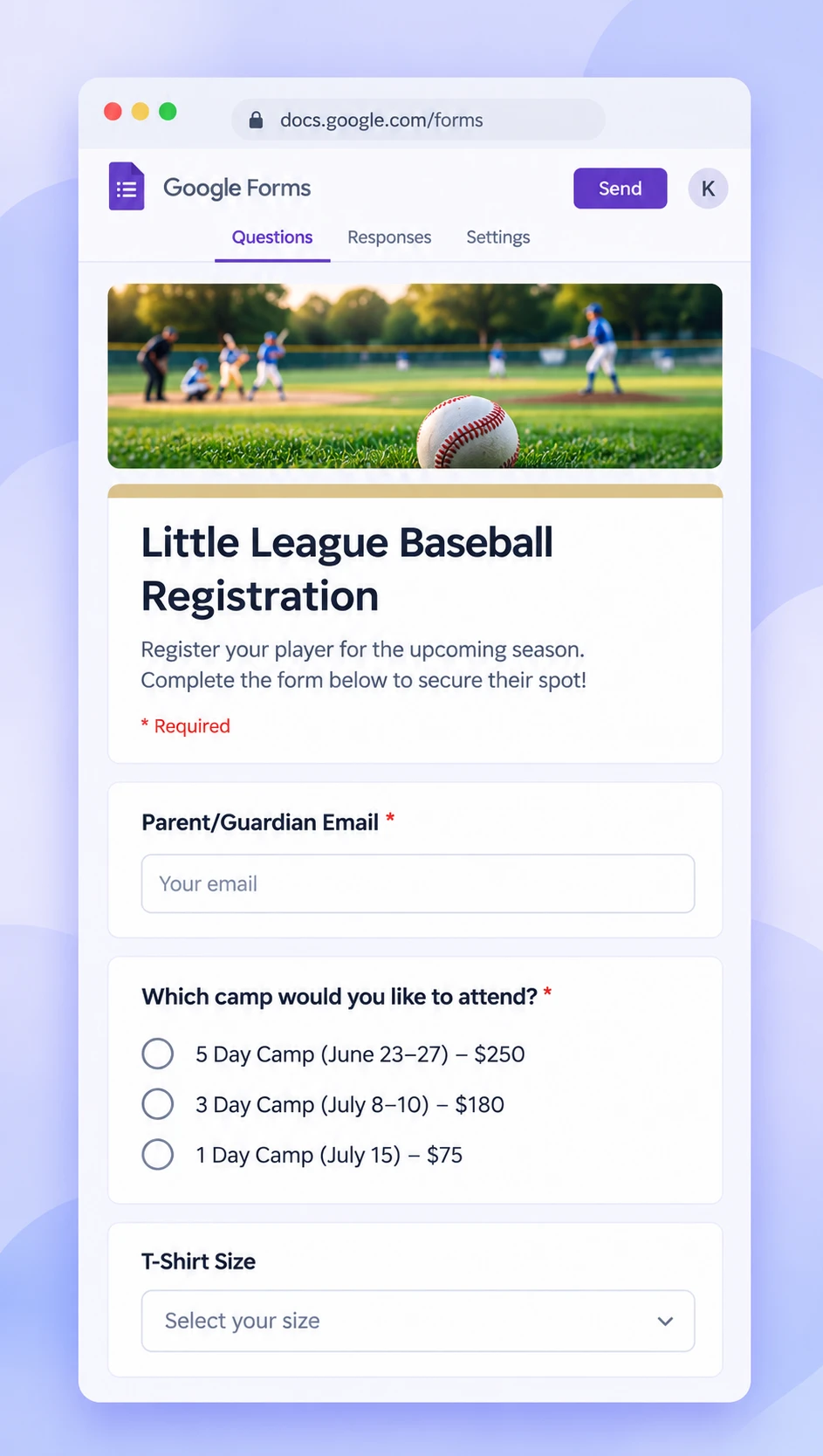
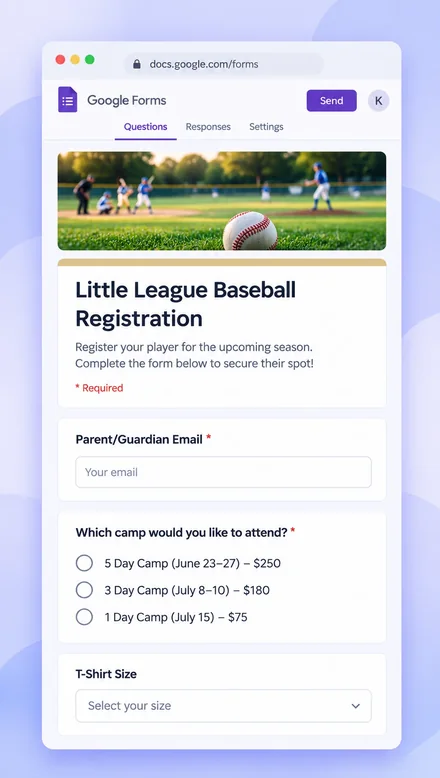 1Your Google Form has prices in the answers
-
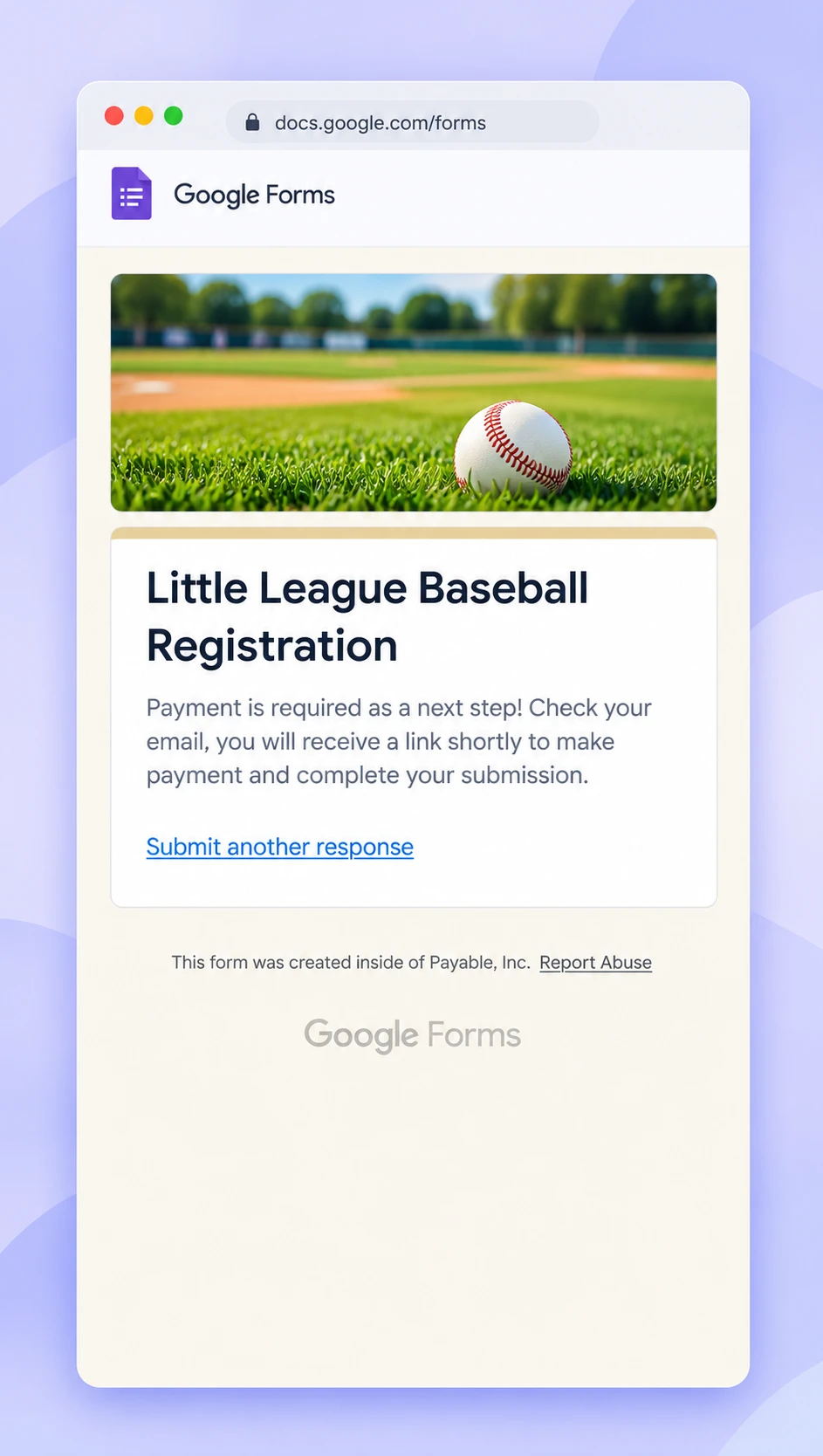
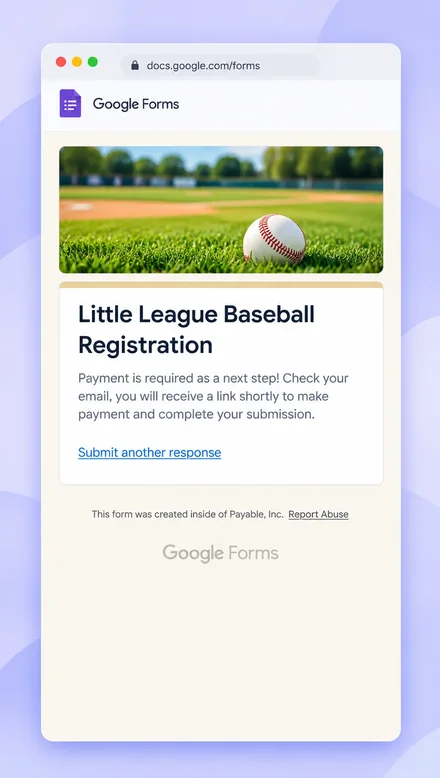 2Your customer submits the form
-
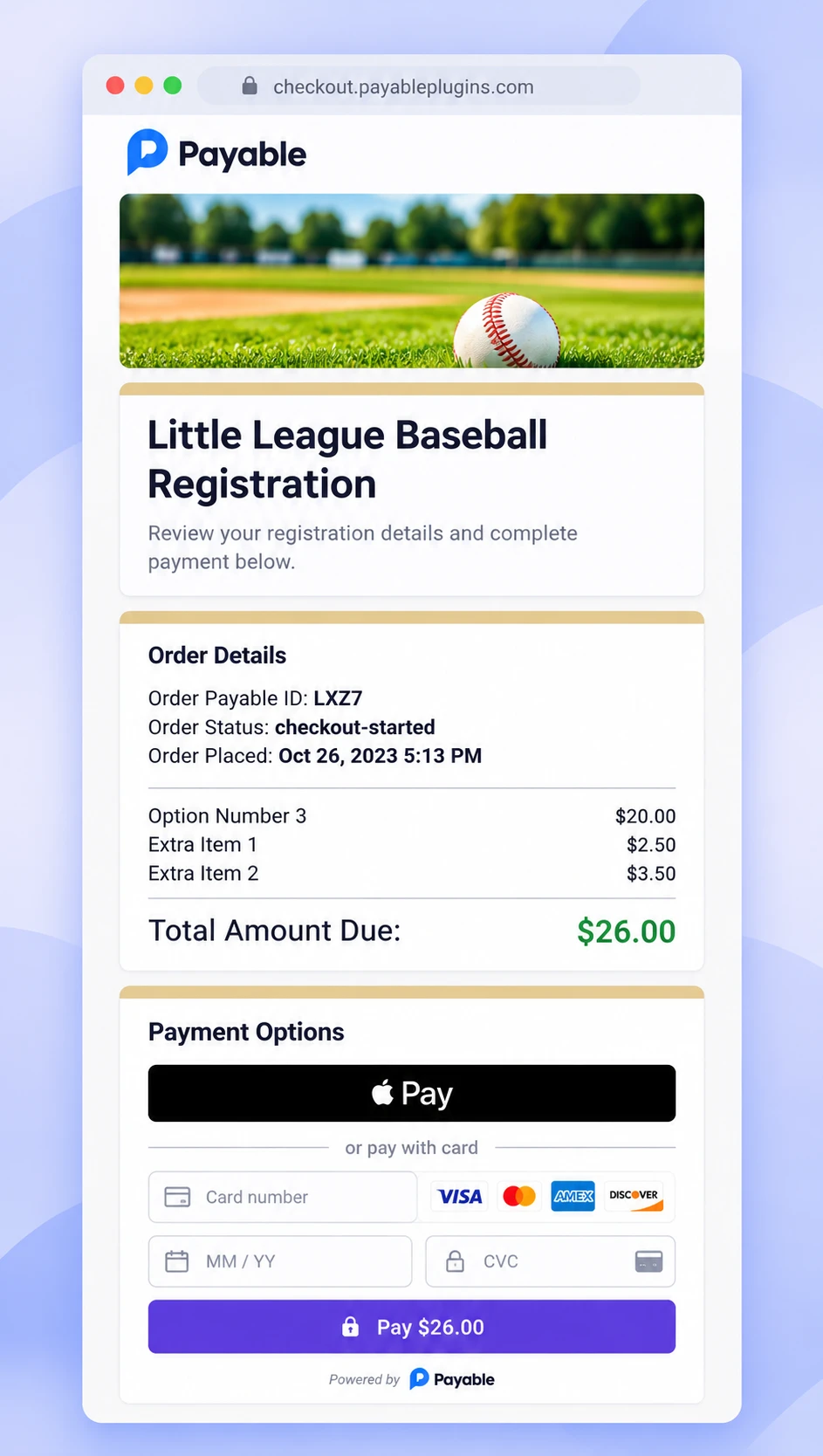
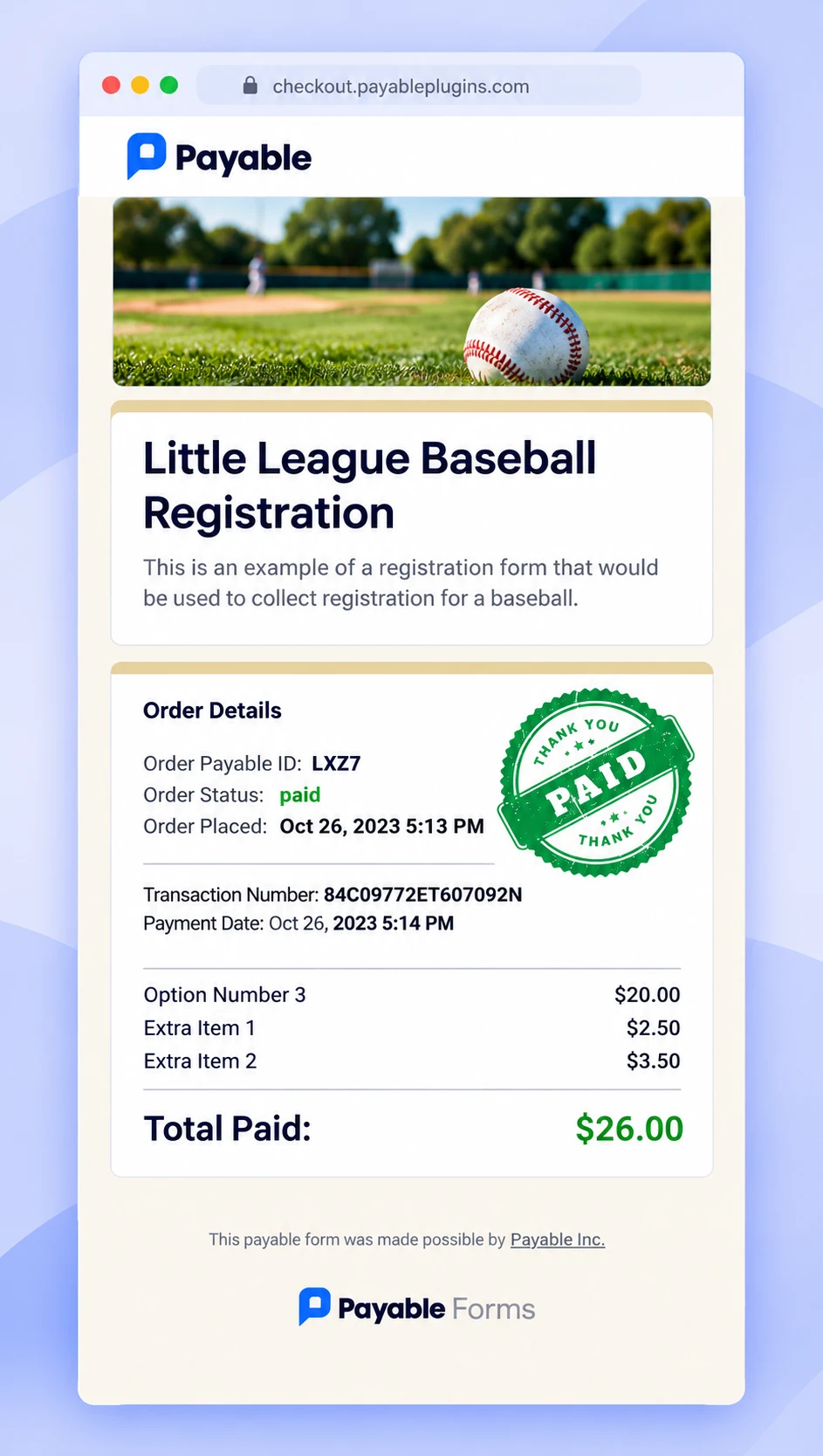
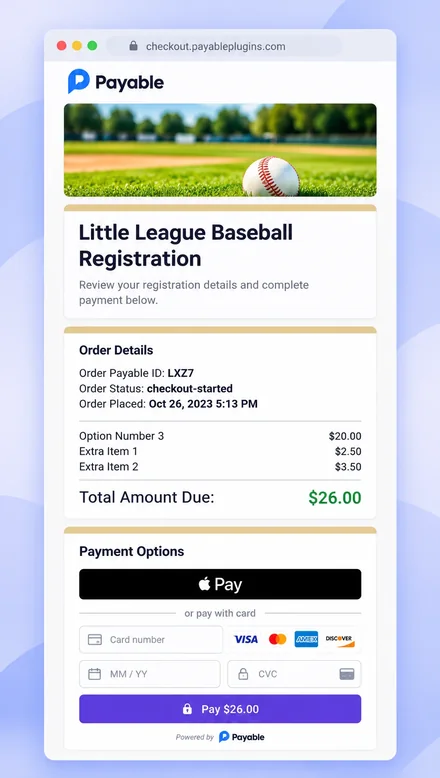 3They pay on a secure checkout
-
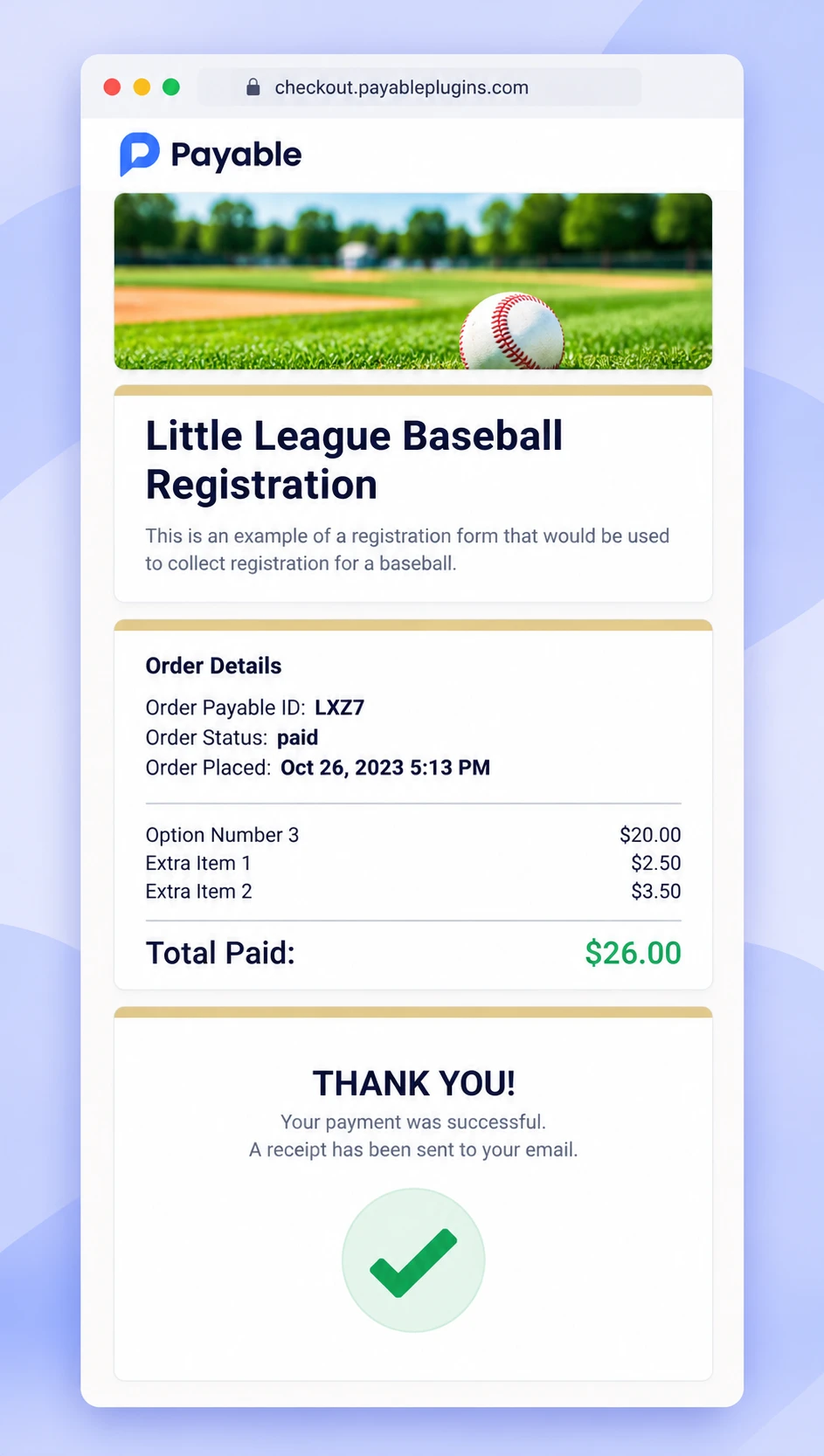
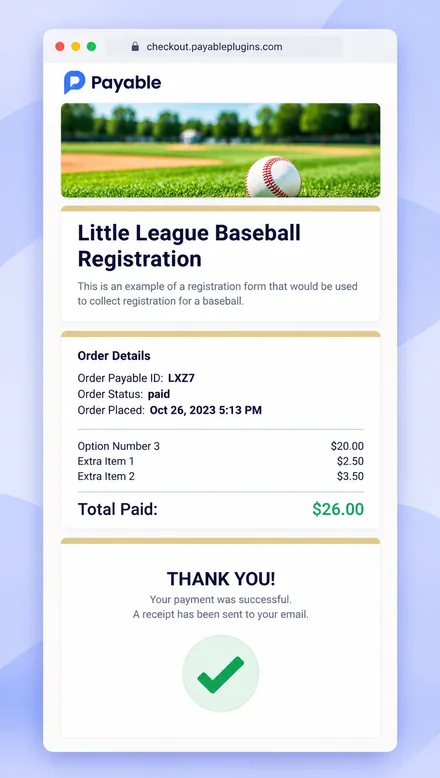 4A thank-you message is shown
-
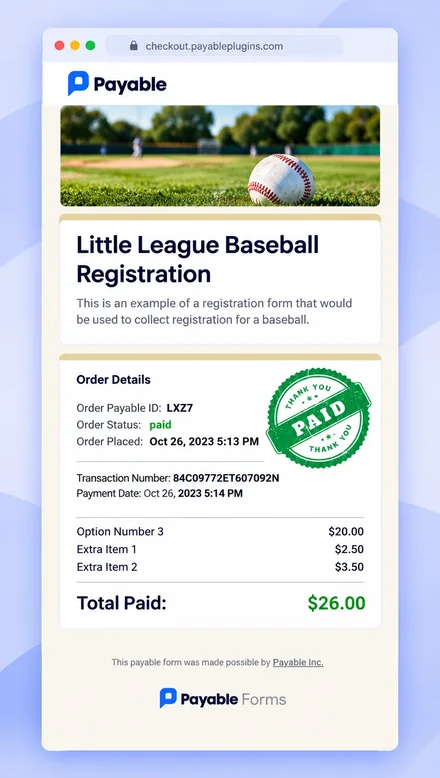 5They get a receipt and we update your Google Sheet
Try it yourself
Submit a sample form in Test Mode.
These are real Payable Google Forms running in Test Mode. Fill one out to see exactly what your customers will experience — no real money changes hands.


Testimonials
Loved by Google users worldwide
Perfect. Was able to setup a custom order form in 10 minutes by connecting it to our Square account.
 Westcoast FabricationJanuary 21, 2025
Worked great to do a jersey and uniform order with PayPal.
 Peter GlassfordJanuary 25th, 2026
Absolutely fantastic. This thing will make you a hero very quickly. Google forms are so easy as it is, and this extension just tacks on a ton of power to it!
 Pete LombardoJuly 8th, 2021
Super easy to setup and worked like a charm! This is just what I was looking for.
 Mrs. K PateMay 17th 2022
The Payable form plugin is a very useful tool. Easy to set up and works perfect. Thank you!
 Panda LandscapeFebruary 8th, 2021
Works great
 Crystal FongJanuary 3rd, 2021
FAQ
Questions about Payable Forms
Do I need a website or any coding?
No. Payable works right inside Google Forms. We host the secure checkout for you, and you share your form link the same way you always have.
Which payment providers can I connect?
You can connect PayPal, Stripe, Square, Razorpay or Rapyd. Depending on the provider and your country, customers can pay with cards, PayPal, Venmo, Apple Pay, Google Pay and more.
Can I test my form before taking real payments?
Yes. Every Payable form starts in Test Mode, so you can submit it and walk through checkout without real money. When you are happy, switch Test Mode off and you are ready to get paid.
Can I take recurring payments or instalments?
Yes. Add a frequency after a price in your form (for example "$35 / Week" or "$110 / Year") to create a subscription, or add a limit ("$295 / Month X 3") to split a purchase into instalments. Subscriptions work with PayPal, Stripe and Square. See how to set them up.
How do I know who has paid?
Payable adds payment status columns to the Google Sheet linked to your form and keeps them updated automatically. You and your customer also get an email for each new order, and you can turn on payment reminders that email anyone who hasn't paid after 24 hours.
Will the checkout match my form?
Yes. Payable automatically syncs your Google Form's theme, so the checkout looks like a natural next step for your customers.
Is there a subscription or contract?
No. There is no subscription or commitment — use Payable as much or as little as you like. See our pricing page for details.
More questions? Visit our help centre or chat with us.
Get the Payable Forms add-on.
No subscription and no code. Set up in about 5 minutes.